Sorry, you'll need to use a current version of a browser to view this site
Let me introduce myself.
My name is Jeremy Fry and I am an User Experience Architect based out of Michigan. I'm a father, a maker and a hacker that loves building incredible web apps using JavaScript, HTML, CSS and all the newest techs.
I'm passionate about development, but truthfully that's a small part of who I am. Let me share a bit of my history with you…
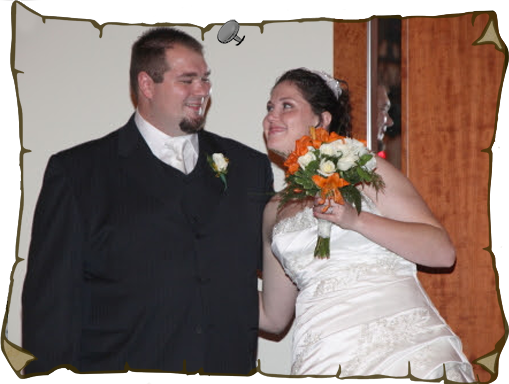
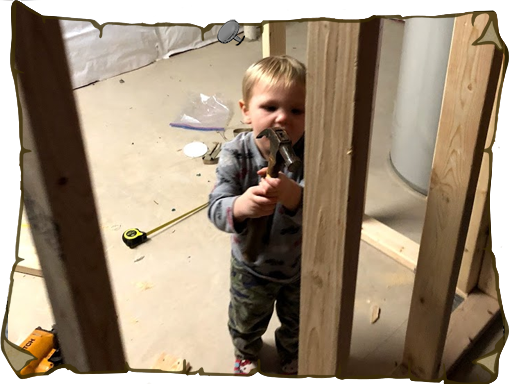
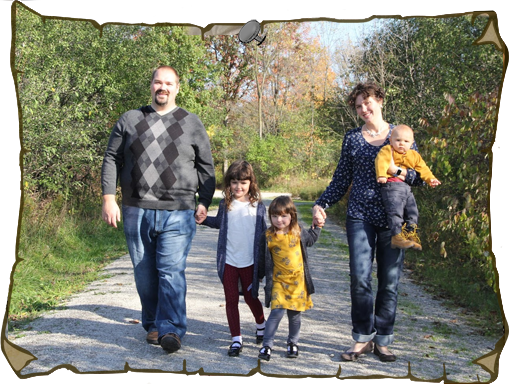
I was married in 2009.I'm father to three wonderful children.I love to build things.Life can get a little crazy sometimes,but a nice walk helps to settle things down.
Jeremy ventured forth to the legendary [Detroit Media Partnership] where he created complex web applications as a [Full Stack] developer. Leveling up to [Lead Developer].
Jeremy's quest continued to [Digitas LBI] as a [Lead Font-End] developer. He battled shifting requirements and looming deadlines to finish his quest and deliver incredible projects to his faithful clients.
Sensing a great opportunity approaching our hero took leave of Digitas and ventured forth to [Compuware] for a short contract. He lead a team developing next generation car radios running a [AngularJS application] in a [webkit browser].
Jeremy's search for glory did not end yet. He battle onward to [Nexient] where he achieved the rank of [Director/Front End Solutions Architect]. He would go on to conquer new clients to bring into Nexient's realm.
Where will Jeremy's journey lead him to next? That may be for [you] to decide!
Need An Experienced
Solution Architect?
I have experience leading teams from 5 to 25 members in agile and waterfall methodologies. I have a wealth of UI/UX knowledge I've gained over the years working in the industry.
Get in touch with me and lets see if I'm the right person to help your business reach its goals!